
How to Make a Goodbye 2026 Video (Hello 2027) from One Photo
A step-by-step guide to making a "Goodbye 2026, Hello 2027" New Year video with AI: pick a photo, choose one of 11 styles, and share a 5–10 second clip with sound.
 Goodbye 2026
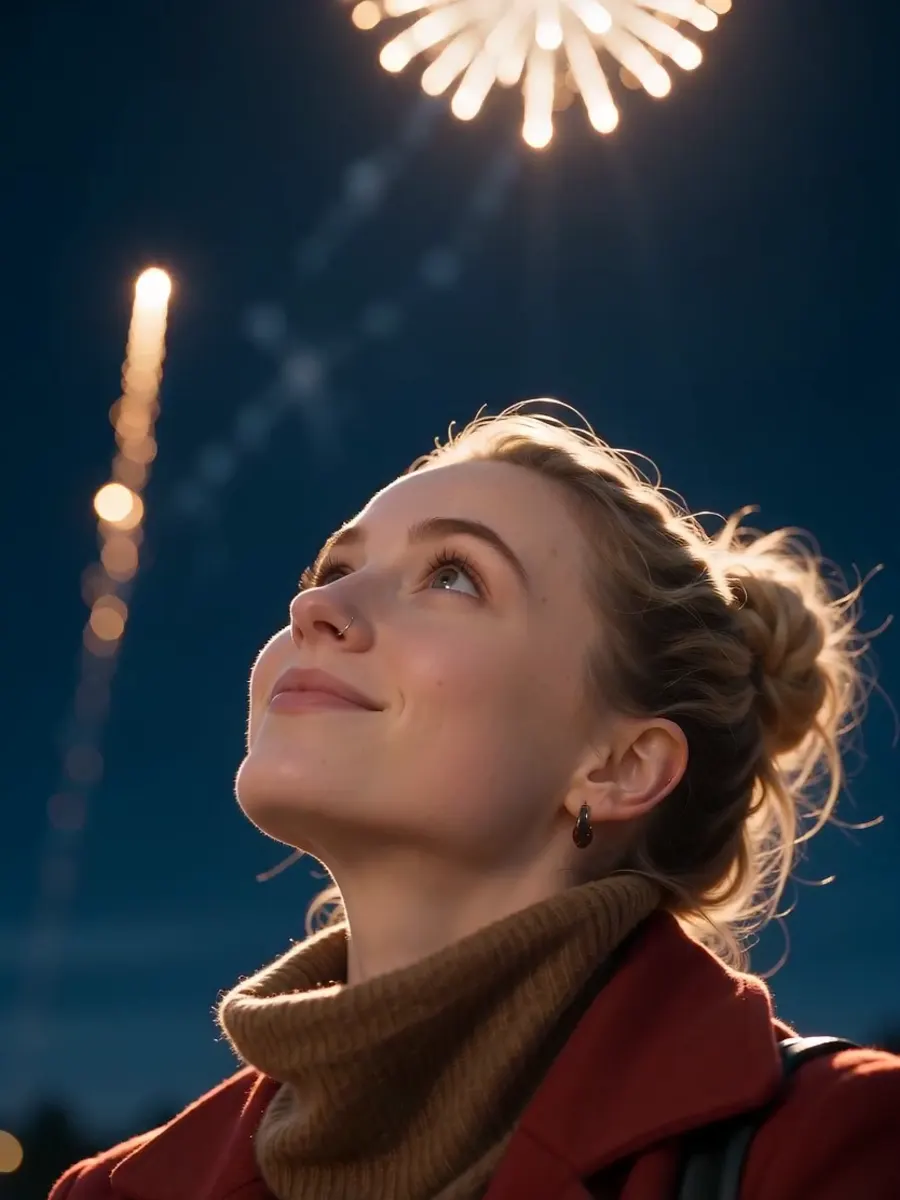
Every December the same trend comes back: a short clip that says goodbye to the year and hello to the next one. In 2025 it was "Goodbye 2025, Hello 2026". This year it is Goodbye 2026, Hello 2027. You can make one from a single photo in about three minutes, with no editing app.
What you need
- One photo with a clear, front-facing face. A phone selfie is fine. Good light matters more than resolution.
- A free account on Goodbye-2026.com. New accounts get free credits, enough for a first 5-second video.
Step by step
- Open the studio. Go to the video maker on the homepage. The Video tab is selected.
- Upload your photo. Drop in a JPG, PNG or WebP. The photo becomes the first frame of your clip, so the person in it stays recognisable.
- Choose a style. Pick one of the 11 New Year styles (listed below). Each one has a sample clip so you can see the motion before you spend credits.
- Pick length and quality. 5 or 10 seconds, 480p or 720p. A 5-second 480p clip is the cheapest way to try a style.
- Create. Generation takes about one to three minutes. The video comes with sound, and you can download it as an MP4 with no watermark.
The 11 video styles
| Style | What happens | | --- | --- | | Midnight Fireworks | You look up as fireworks burst over the city at midnight. | | The 2026 Season | A calm golden-hour shot with one caption: "And with that, the 2026 season". | | Polaroid Rewind | Your photo develops like an instant photo and comes to life. | | Countdown | A crowd counts down from ten as the camera pushes in. | | Champagne Toast | Glasses clink and bubbles catch the light. | | Sparkler | You write in the air with a sparkler. | | Snow Globe | You appear inside a snow globe that someone shakes. | | Confetti Cheer | A burst of confetti and a cheer at midnight. | | Home Movie | Warm Super-8 film grain, like an old family reel. | | First Sunrise | The first sunrise of the new year. | | City Lights | Night skyline, bokeh and a slow camera move. |
Tips for a better result
- Keep it simple. One or two people works best for video. For a group of up to four, make a poster instead.
- Add a short note in the prompt box if you want something specific, such as "red scarf, snowy street". Keep it under one sentence.
- Text inside videos is kept short on purpose. AI video models still misspell long text, so most styles have no text at all. Add your own caption when you post.
Where to share it
The clips are vertical-friendly and short, which suits Instagram Reels and Stories, TikTok, WhatsApp status and group chats. Post it on December 31, or as your first post of 2027.
Prefer a still image?
The studio also makes eight poster styles: a 2026 recap poster, an album cover called "The 2026 Edition", a Year in Review magazine cover, a Polaroid wall, a fireworks portrait, a Happy New Year 2027 card, a 12-month grid and a midnight toast. Posters cost 20 credits and are ready in under a minute.